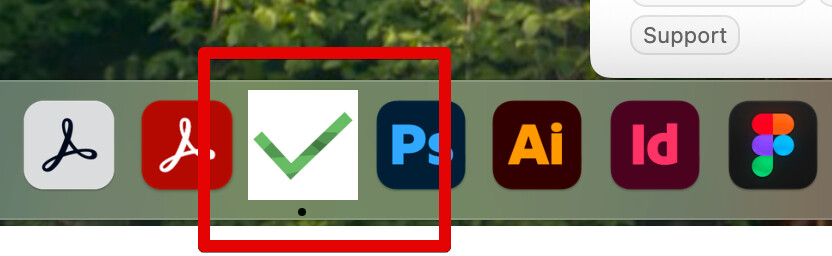
Hi @Andrei since the update of Everdo to version 1.10.4 the app icons looks really ugly with a big white background. See image below. It’s nothing serious but also should be easy to fix.
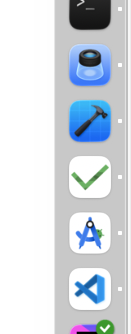
 But needs to be done. Thanks again!
Hi @Andrei sorry 
Yes I’m using macOS Sequoia 15.6. I tried your workaround (removing and adding the app from the dock) but to no avail. It seems that the icon is already appearing wrong in the App directory. See screenshot.

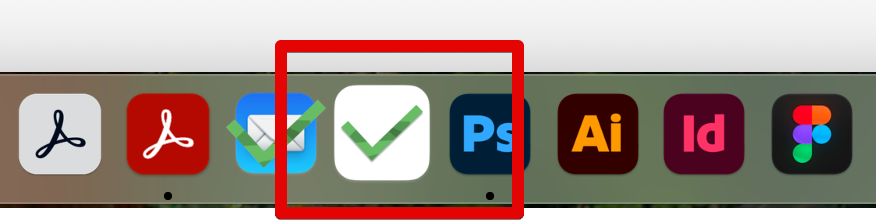

So the thing is, the masking of corners and sizing the icon should be done by the OS, and it does happen but not an all computers I guess. I’m going to regenerate the icon assets for the next build and see if that helps.