A new desktop version is ready for early access. Here’s the change log.
This version is quite special in that it has substantial architectural changes under the hood to enable better performance, reliability and development speed in the long term. Because of this there could be some bugs in the less frequently used features. Please share if you find any bugs - they will be fixed quickly.
If you are not comfortable rolling back to the previous version, please don’t install this version yet.
In case you need to roll back, the latest stable version can be downloaded from https://everdo.net
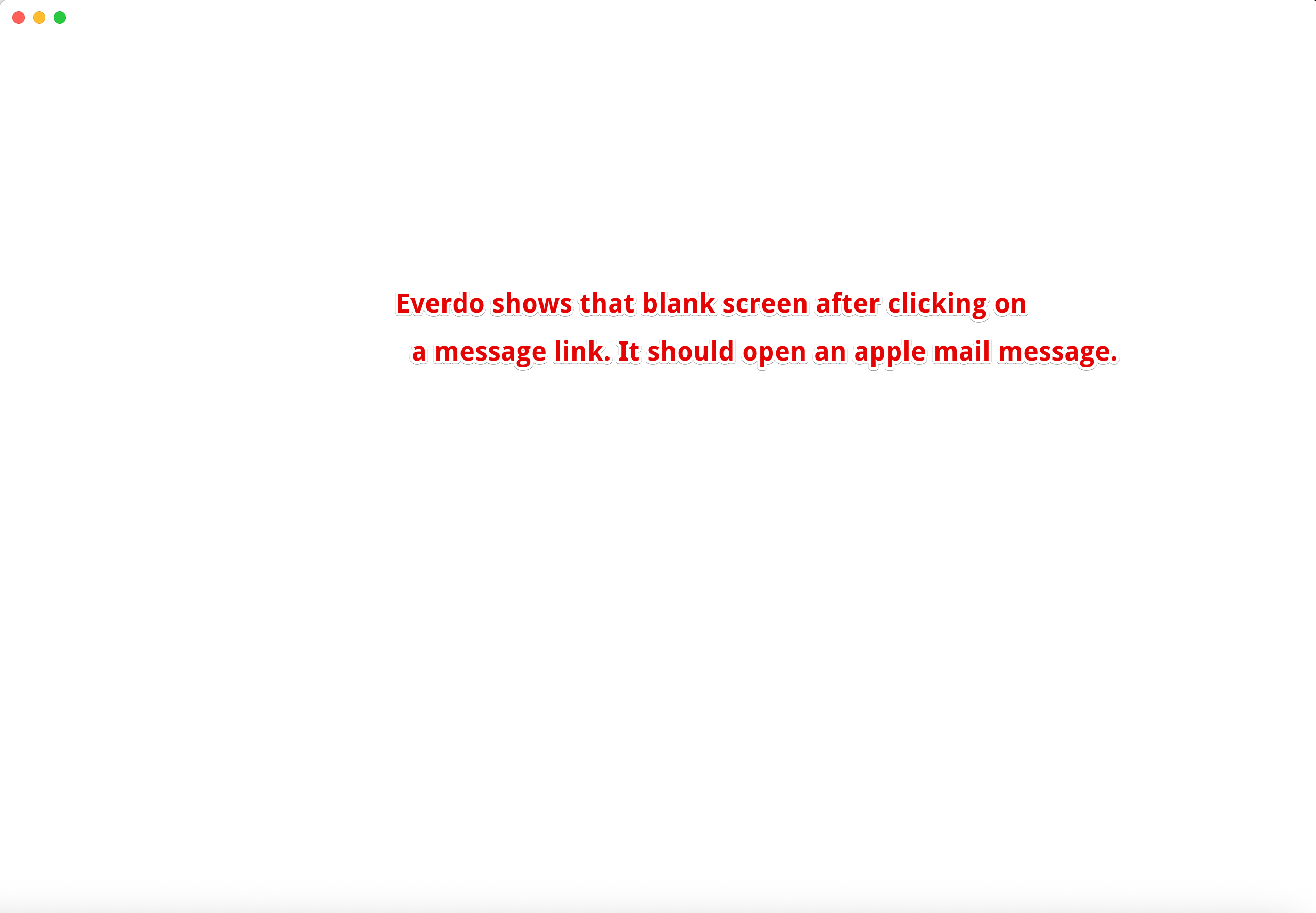
Thanks, Andrej. I stumbled upon another bug. When clicking on a message link that should open an e-mail message in apple mail, I get a white everdo screen. See screenshots below:
On Manjaro Linux I had 1.9.0 installed before (via AUR). When I launched the new AppImage version the icon in the XFCE taskbar showed the green checkmark and was just fine:
Then I removed the outdated AUR package and started the AppImage again. Now the icon in the XFCE taskbar looked like this:
I had to reinstall Everdo 1.9.0 from the AUR to have the correct icon shown in the taskbar.
When you install the new AppImage, it’s not associated with the taskbar shortcut that was created by the AUR package version. So you’d need to remove that shortcut, run the new version and pin it.