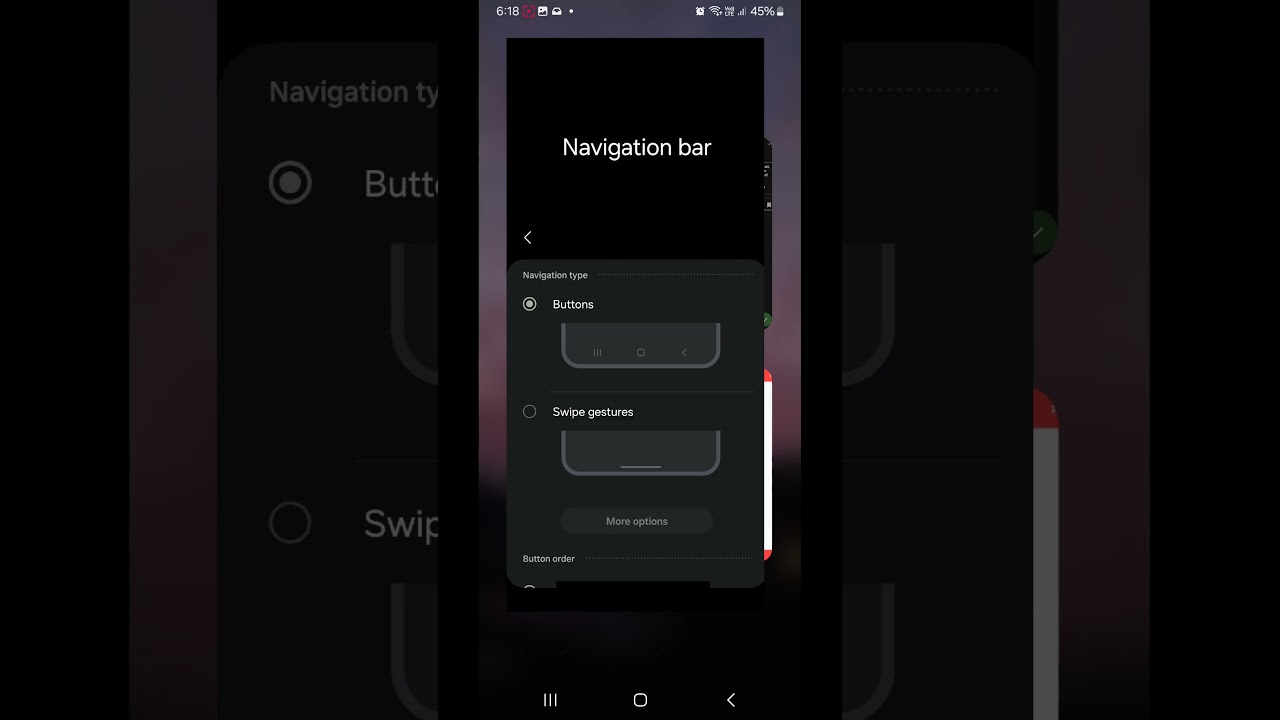
Hello. I’m using Android’s button navigation instead of gestures and found that the reminder option gets covered up by the navigation bar. Happens especially on tasks with long descriptions that are categorized as Waiting or Someday tasks (since they have many options). Also happens on other categories like Inbox if you have a long enough description. I forgot there was even a Reminder option for repeating tasks because of this
Made a screen recording showing this, and how it works properly if I switch to gestures.
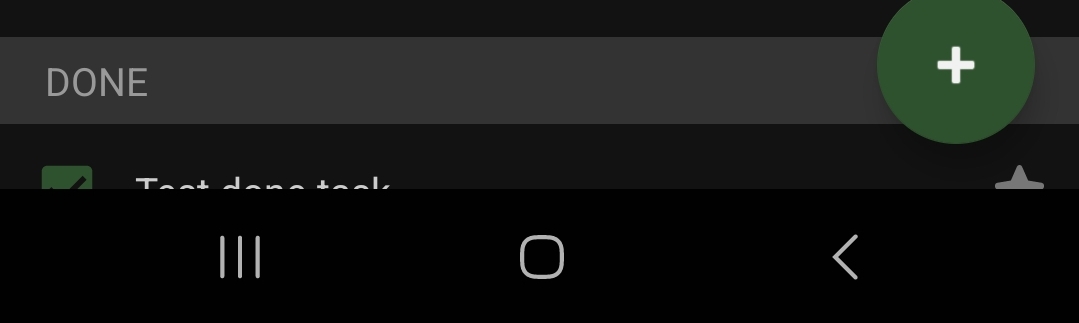
Tasks at the very bottom also get somewhat covered up by the bar, as shown here:
Thank you, Andrei. Only testing it now and the tasks at the bottom are no longer cut off but the reminder button can still get cut off if you have a long enough description.
Interesting, I just tested it and it worked as expected - the reminder button is below the fold, but you can scroll to get to it. Is that the behavior you see, or do you have the button obstructed and can’t scroll it up?
Ah so I went and tested it out and it’s shown properly in most cases, or can be scrolled to (for scheduled and waiting type tasks)
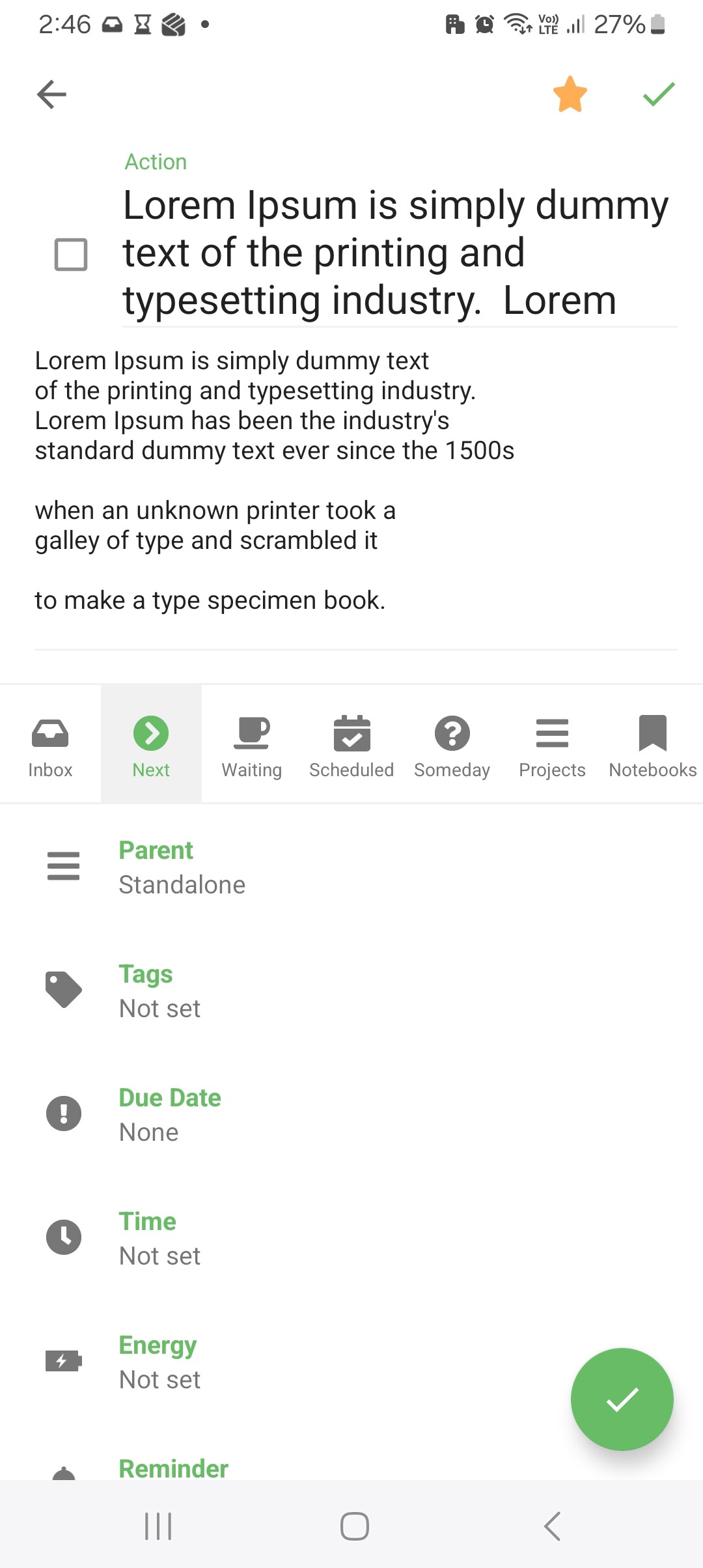
Seems I only noticed the issue today because it gets partially obscured in the rare case of the task title being at least 3 lines long, the task type being inbox/next/someday, and the description having a lot of text (enough to take up its max height). Cannot scroll to make it fully visible in this case.
Added a dummy task screenshot below.
Since it’s partially shown and better than before, I’m fine with how it is. Though I do wonder if the reminder button might get fully obscured on smaller height devices or if it becomes scrollable.