Android App Closed Testing - Feedback

Hi Everyone. Thanks for helping out!

Below is what you need to know before trying to use / test Everdo for Android.

Backup your database file!

It’s pretty unlikely, but realistic that something goes wrong and your (desktop) database gets errors while syncing with the Android app. Try to backup often. Nothing too bad will probably happen, but better be careful.

Reporting Issues

Please report anything that is broken, i.e. not working as intended or is working weird. If some feature is present on the desktop, but missing here then it’s probably well-known; no need to waste your time reporting that.

Getting Updates

I will post here every time there’s a new update. Your phone might detect it and install it automatically, or you might need to find the app in Android settings and trigger the update.

Install From Google Play

You won’t be able to find the app in Google play for now. Use this direct link:

Syncing with Everdo Desktop

  1. configure Everdo as a server on you desktop - Everdo Network Sync Guide
  2. open mobile app and go to settings (menu in top right corner)
  3. fill in the settings - they are the same as on desktop
  4. pull down to sync or use the menu options for (pull/sync)
  5. if you see “Sync Complete” message after a few seconds, then everything is OK, otherwise fix the configuration or forward the error message here.
1 Like

Excellent news!!! I cant install from google play: item not found.

Probably need to give it time. Also make sure you are logged in with the correct email address.

1 Like

Now, it works!!! Installing the app right now!!!

Do i must follow the next guide to sync everdo with my laptop?

Simply go to app settings and fill in the same options as other Everdo clients. Then pull down or use the menu.
I’ll add syncing steps to the top in a few seconds.

@AndroidTesting Hey everyone. App is published for closed testing. See the original post for details.

First, thank you for the hard work. The simple ability to add items from my phone has already been used a number of times throughout the first day.

I found a small bug when syncing. I manually changed the server API key for easier typing as I was switching between servers. I forgot to change the key on mobile before I attempted another sync from the new server and the app crashed twice before I realized I needed to change the key. After I updated everything was working as expected.

Small bug but an incorrect API key could easily be entered and a full app crash could be problematic.
This is absolutely a bug and thank you for catching it!

Update is available (0.12)

  • View and modify focus in lists
  • Fixed: app crashing when sync API key is invalid

Update is available (0.13)

  • More navigation sections (projects, notebooks, etc)

Update 0.14

  • View and edit nested sub-items in projects and notebooks

Update 0.15

  • Added checklists in item descriptions

Update (0.18)

  • Move items to a different list
  • Move items to a Project/Notebook
1 Like

Update 0.20

  • Fixed scroll rewinding on any edit
  • Optimized refreshing of the view
  • Item type indication in editor
  • Display scheduled date in lists
  • Sort scheduled items by scheduled date
1 Like

Update 0.21

  • many bug fixes

Update 0.26

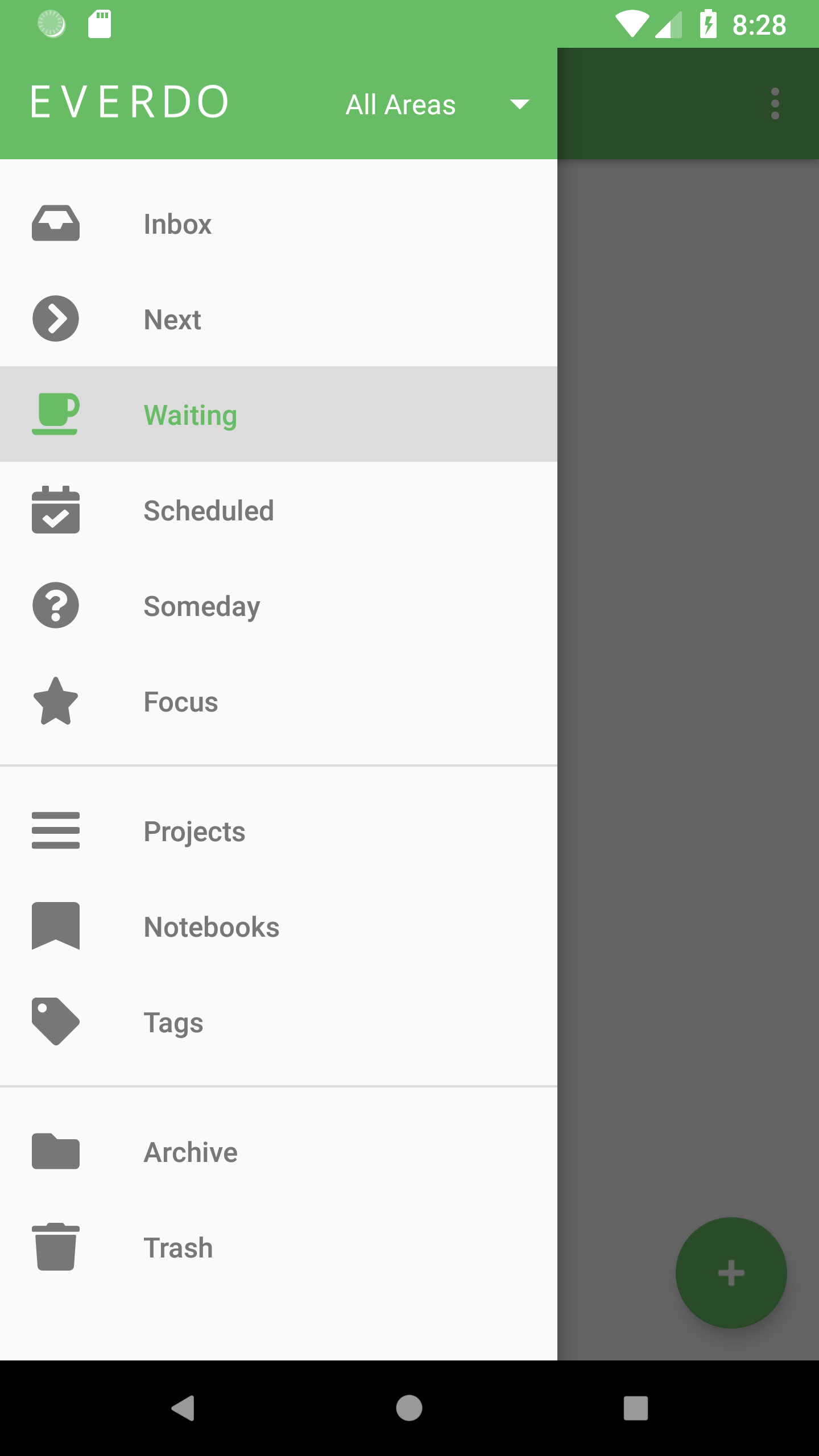
  • Select Area (navigation drawer)

Screenshot_1530174494

Update 0.27

  • Displaying tags on items
1 Like

Many updates! 0.33

  • Navigation by tag
  • Edit time, energy, project type
  • Many bug fixes and performance improvements

There’s a known bug that the Next list does not use the parallel/sequential setting, treating all projects as parallel. Will fix soon.

Updates:

  • Processing scheduled item (activation on schedule, etc)
  • Setting up start dates
  • Setting up repeating schedules
  • Many lesser improvements and bug fixes